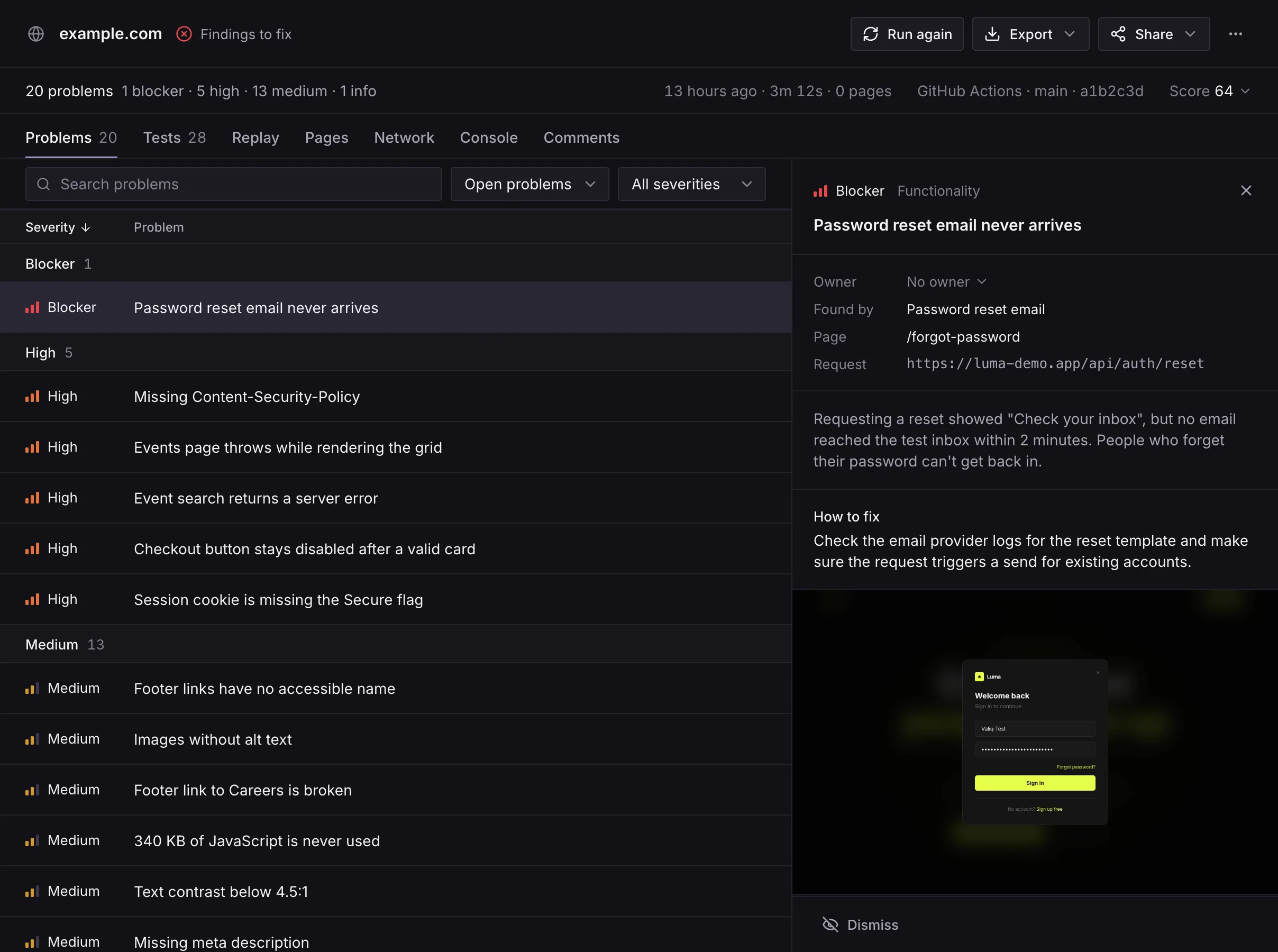
ValiqAI tests your web app the way a person would. Give it a URL and it finds your pages, signs up with a test account of its own, clicks through your flows, and runs security, accessibility and speed checks. Then it shows you what's broken, with proof: a screenshot, the request that failed, and a recording of every step.
What you need
- A ValiqAI account.
- A site you own, and access to its DNS settings, or someone who has it. You prove you own it once, and that covers every subdomain.
- For the CLI and CI: an API key, on a plan with API access.
Start here
- Verify your domain. The one-time step before your first scan, with one-click setup for some DNS providers.
- ValiqAI CLI. Run scans from your terminal or CI, and fail a build when it finds blockers. Every command is in the command reference.
- CI guides. GitHub Actions, GitLab CI, CircleCI, Jenkins, Bitbucket Pipelines, Buildkite and Azure Pipelines, each with a deploy-then-scan example.
- Recipes. Nightly scans, Vercel and Netlify deploys, scripts, matrices and Slack.
- API reference. Start scans, read results, and manage domains and webhooks from your own code.
Guides for reading results, test accounts and your own logins, scheduled scans and single sign-on are on the way. Until then, ask us anything.
Use these docs with AI tools
Every page is also plain Markdown: add .md to its address, or use Copy page beside the title to paste it into an AI tool. llms.txt lists every page for tools that read it.