The ValiqAI API starts scans, reads their results, and manages domains and webhooks. It's what the CLI uses, so anything the CLI does, a script can too. Requests and responses are JSON over HTTPS.
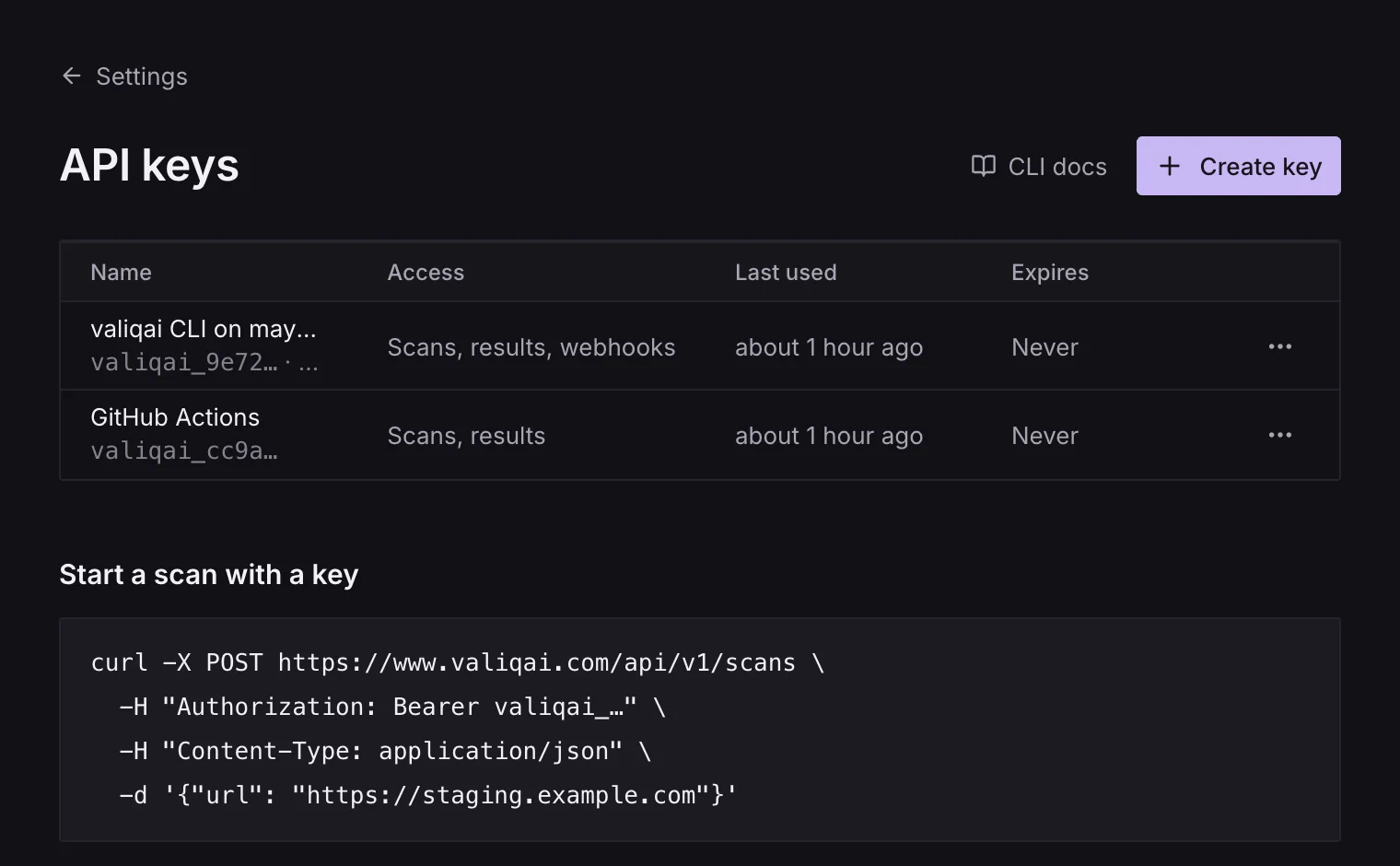
$ curl -X POST https://www.valiqai.com/api/v1/scans \ -H "Authorization: Bearer $VALIQAI_API_KEY" \ -H "Content-Type: application/json" \ -d '{"url": "https://staging.example.com", "type": "e2e"}'Base URL
https://www.valiqai.com/api/v1Authentication
Send an API key in the Authorization header, as Bearer <key>:
Authorization: Bearer valiqai_3f9c…Keys start with valiqai_ and are shown once, when they're made. Make one under Settings › API keys (a personal key) or Team settings › API keys (a team key), or let valiqai login make one for the CLI. A key needs a plan with API access, and stops working when the plan no longer has it.
| Problem | Status | error |
|---|---|---|
No Authorization: Bearer header | 401 | API key required |
| Unknown or malformed key | 401 | Invalid API key |
| Expired key | 401 | API key has expired |
| Personal key, plan without API access | 403 | API access requires an upgraded plan |
| Team key, plan without API access | 403 | API access isn't on this team's plan |
| Team with no owner | 403 | This team has no owner, so its keys are paused |
| Key without the scope the route needs | 403 | Insufficient permissions |
Scopes
A key can do only what its scopes allow. A route that names a scope needs it:
| Scope | Allows | Personal keys | Team keys |
|---|---|---|---|
scan | Starting and stopping scans | yes | yes |
read | Reading scans, problems, domains, credits and quotes | yes | yes |
webhooks | Adding, listing and removing webhooks | yes | yes |
domains | Adding, verifying and removing domains | yes | no |
New keys get scan and read unless you pick others. GET and DELETE /api/v1/me need no scope.
Personal and team keys
- A team key works in one team. Scans it starts are billed to the team, it reads the team's scans whoever started them, and it can scan any domain someone on the team has verified. It acts as the person who made it while they're on the team, and as the team's owner after.
- A personal key acts as you. It reads the scans you started and scans the domains you verified. If you belong to more than one workspace, say which one to bill with
organizationId; without it the API answers400create or select a workspace.
Endpoints
| Method and path | Scope | What it does |
|---|---|---|
POST /scans | scan | Start a scan |
GET /scans | read | List scans |
GET /scans/{id} | read | A scan's status, progress, results and problems |
DELETE /scans/{id} | scan | Stop a scan |
GET /scans/{id}/problems | read | A scan's problems, filtered |
GET /scans/quote | read | What a scan would reserve |
GET /scans/{id}/badge | none | A status badge, as SVG |
GET /domains | read | Your domains |
POST /domains | domains | Add a domain to verify |
POST /domains/{id}/verify | domains | Check its TXT record now |
DELETE /domains/{id} | domains | Remove a domain |
GET /credits | read | The workspace's credits and prices |
GET /me | none | The key, its person and workspace |
DELETE /me | none | Revoke the calling key |
GET /webhooks | webhooks | Your webhooks |
POST /webhooks | webhooks | Add a webhook |
DELETE /webhooks | webhooks | Remove a webhook |
Errors, rate limits, idempotency and versioning are on Errors and Limits and versioning.